

Creating your product with WeTynk Labs
Creating Your First Product with WeTynk Labs
Have an idea for a digital product but don't know where to start?
WeTynk Labs helps you turn a simple idea into a complete product concept — including the course structure, offers, marketing assets, audience insights, and copy you can use to start selling.
You don't need to start with a title, modules, or a complete strategy.
Just start with an idea.
Start with your idea
When you open WeTynk Labs, you'll start with a simple prompt.
Describe what you want to create in your own words. The more specific you are, the better WeTynk Labs can understand what you're trying to build.
For example:
A course for teenagers who want to learn how to make money online.
Or:
A skincare course for women who want to build a simple daily skincare routine.
You can also describe a more specific audience, problem, or outcome:
A beginner course for people who want to start selling digital products on Instagram.
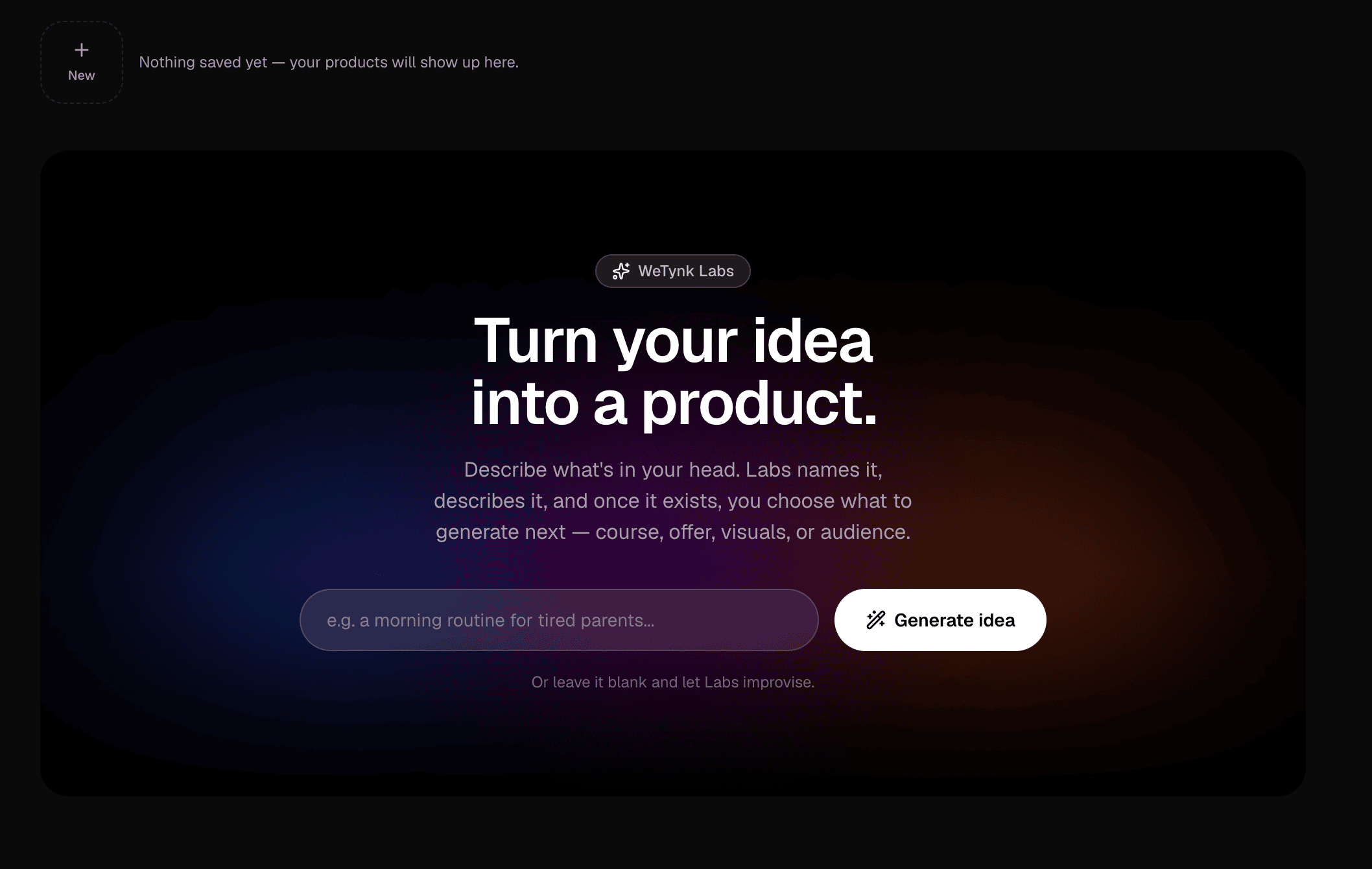
You don't need to write a perfect prompt. Start with the idea you have and let WeTynk Labs help you develop it.
Review your generated course
After submitting your idea, WeTynk Labs will generate a course concept based on your prompt.
You'll receive a summary of the suggested course, including the direction, topic, audience, and overall structure.
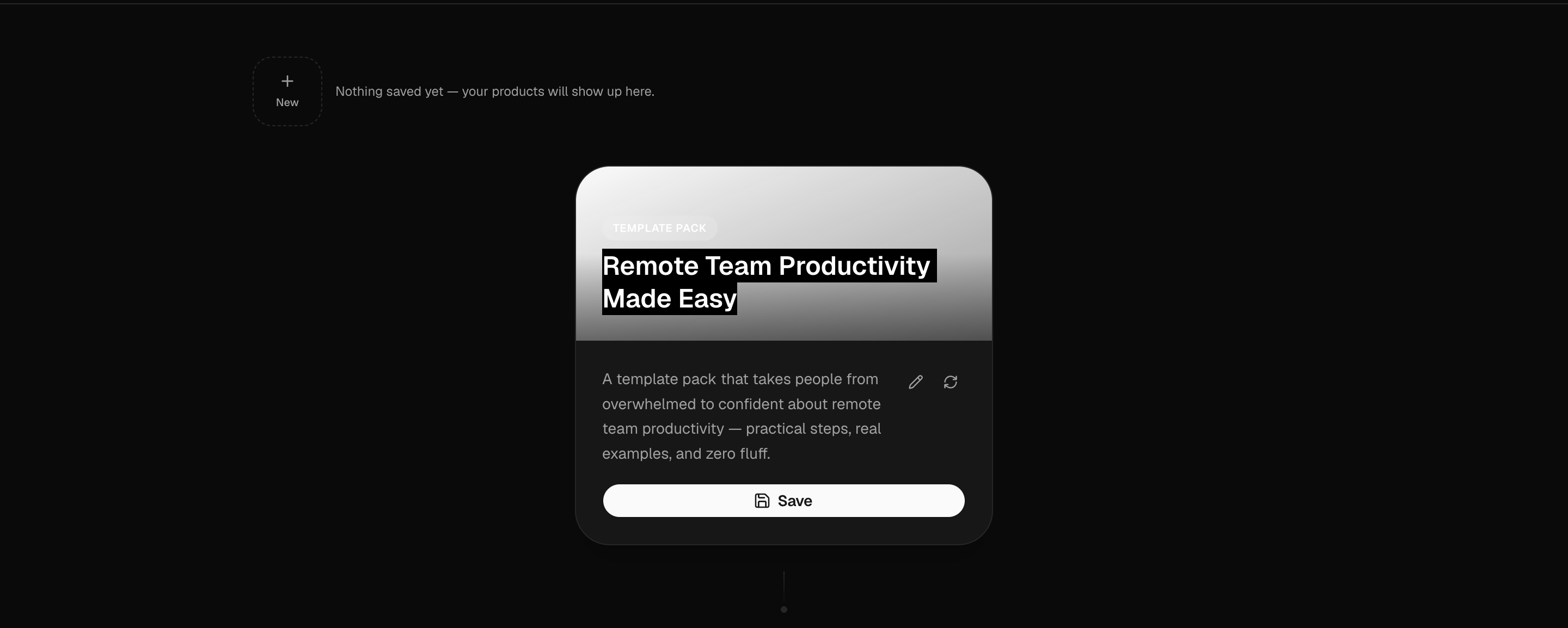
Take a moment to review the result.
If the concept isn't what you had in mind, you can ask WeTynk Labs to generate another version.
You can keep exploring different ideas until you find a concept you want to build.
Build more from your course
Once you have a course concept you like, WeTynk Labs can help you develop the rest of your product.
Instead of starting from scratch, you can use the generated course as the foundation for several different tools.
Generate a complete eBook
Turn your course concept into a complete eBook.
WeTynk Labs can expand the course into structured content that you can save as a PDF and use as your digital product.
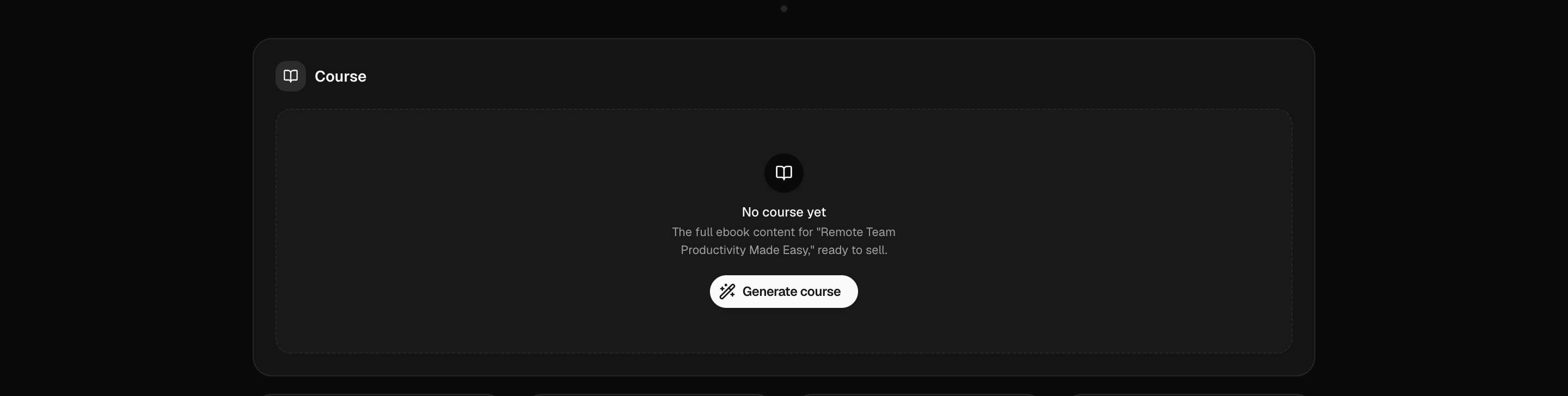

You can then download and save the generated PDF for later.
Tip: Keep your generated PDF somewhere safe. You'll be able to use it when you're ready to upload and publish your product on WeTynk.
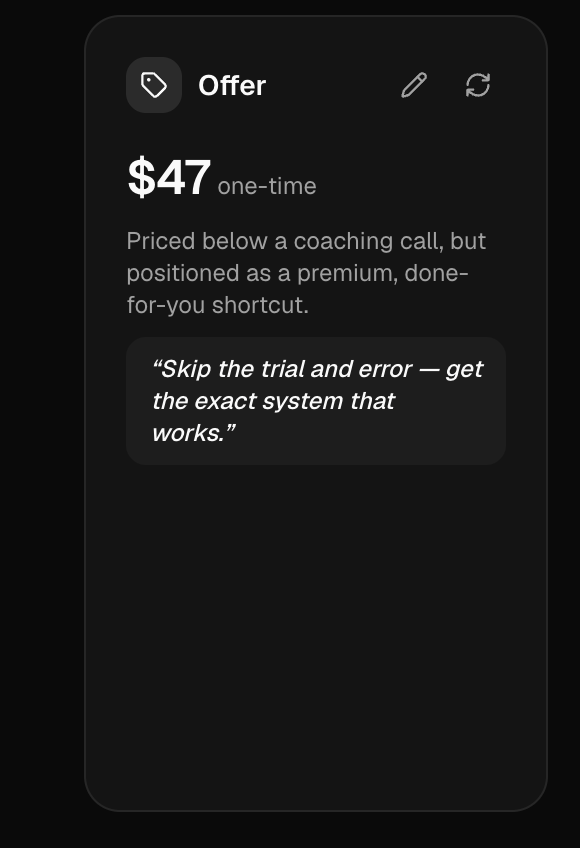
Generate offers
Create offers based on the course you've generated.
WeTynk Labs can help you explore different ways to package and position your product, giving you ideas for what to sell and how to structure your offer.
Generate marketing assets
Create visual assets based on your product.
You can generate assets such as:
Course covers
Sales page banners
Checkout visuals
Promotional images
Other product creatives
Because the assets are generated from your course, they can be created around the same product concept and audience.
Understand your potential buyers
WeTynk Labs can also help you understand who may be interested in your product.
Explore potential buyer insights such as:
Likely customer interests
Potential age ranges
Audience characteristics
Who may be more likely to purchase
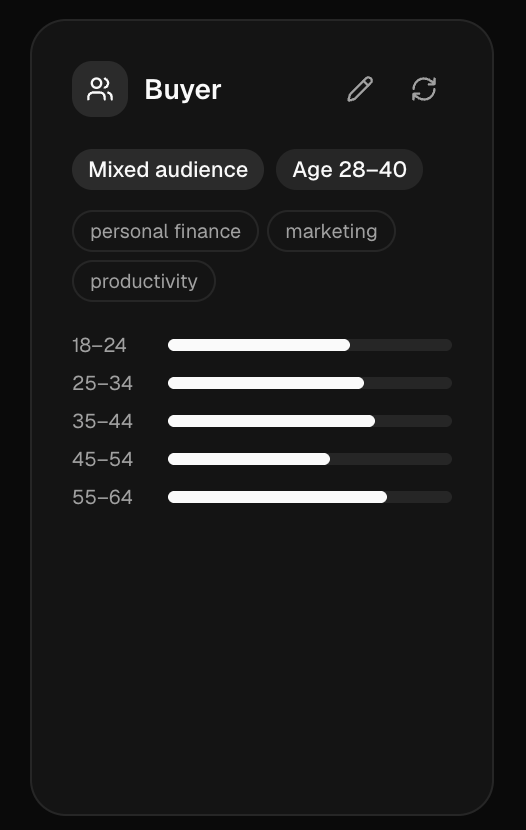
These insights can help you better understand who you're creating the product for and how you might promote it.
Generate your copy
Need help writing your marketing copy?
WeTynk Labs can generate different copy styles based on your product.
You can explore approaches such as:
Aggressive — direct and attention-grabbing
Storytelling — built around a narrative
Pain Point — focused on the problem your audience wants to solve
Direct — simple, clear, and straight to the offer
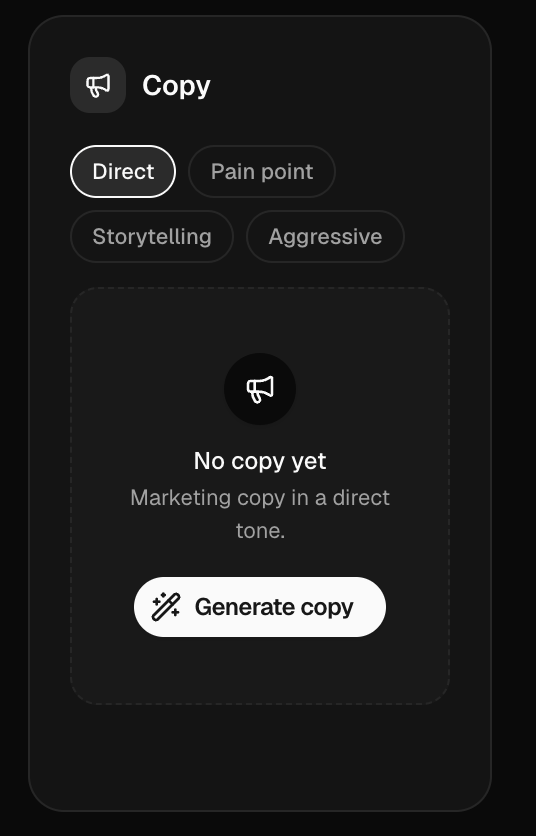
You can use these variations as a starting point for your sales pages, ads, social media content, or other marketing materials.
Save your product
Once you're happy with your generated course and content, you can save the final PDF.
This gives you a ready-to-use digital product file that you can keep and prepare for publishing.
At this stage, your product is ready to move from WeTynk Labs into your WeTynk product catalog.
What's next?
After creating your product with WeTynk Labs, the next step is to upload it to WeTynk and configure it as a product you can sell.
Continue with:
Uploading Your Product
Learn how to upload your generated PDF, configure your product, and prepare it for sale.
From an idea to a product
WeTynk Labs is designed to help you move from a simple idea to something you can actually sell.
Idea → Course → Content → Offer → Assets → Copy → Product
Start with an idea, explore the possibilities, and build from there.
Your next product can start with just one sentence.
More in Getting Started
Welcome to WeTynk
A quick overview of what you can do on the platform.
Adding Your Course to WeTynk
In this guide, you'll learn how to create your product, add its information, configure how customers will receive it, and set its price and support details
Configuring Your Product
After creating your product, you can customize how it's delivered, how customers purchase it, and how your product appears across WeTynk.